Missed Facts Come Back
A fact answered wrongly or left to time out is remembered and prioritised near the start of a later run. The gaps get the practice, not the facts already known.
 Get Mathbot
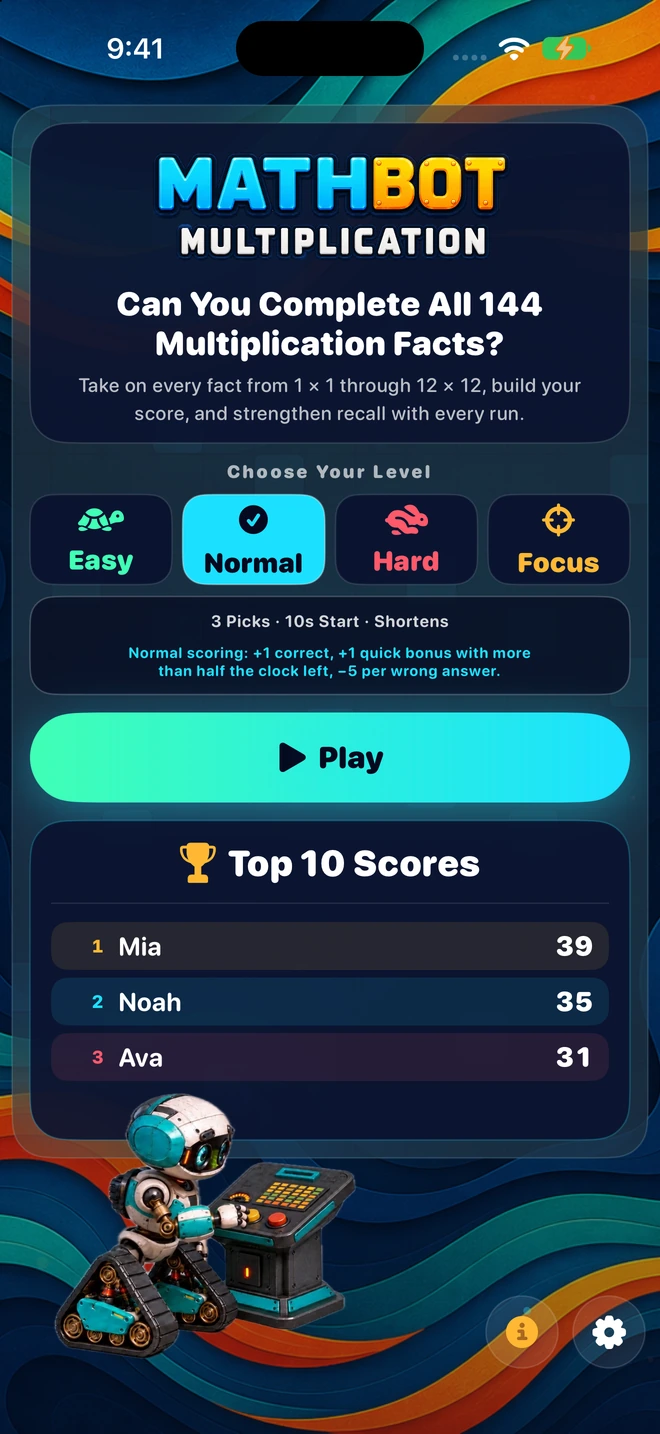
Mathbot Multiplication takes every fact from 1 × 1 through 12 × 12 and lays it out as a single grid. Your learner answers, the grid fills in, and the facts they miss come back until they stick.
How a run works
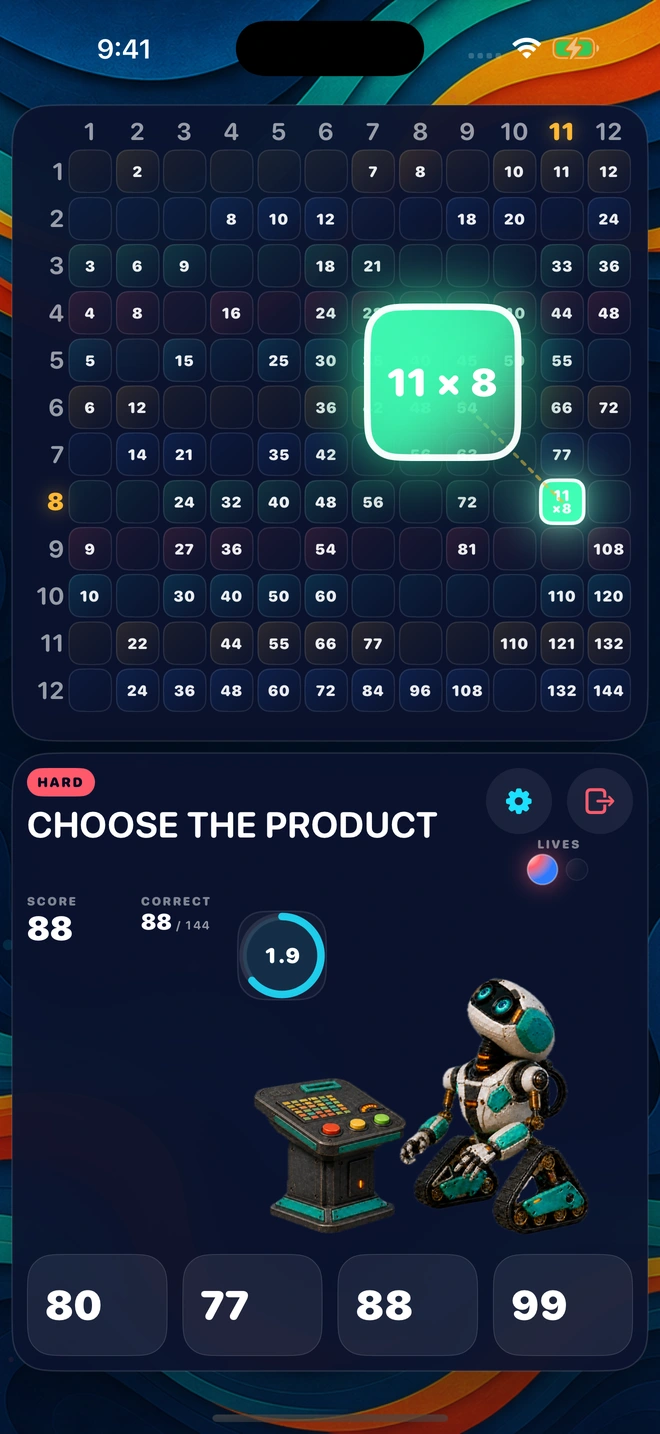
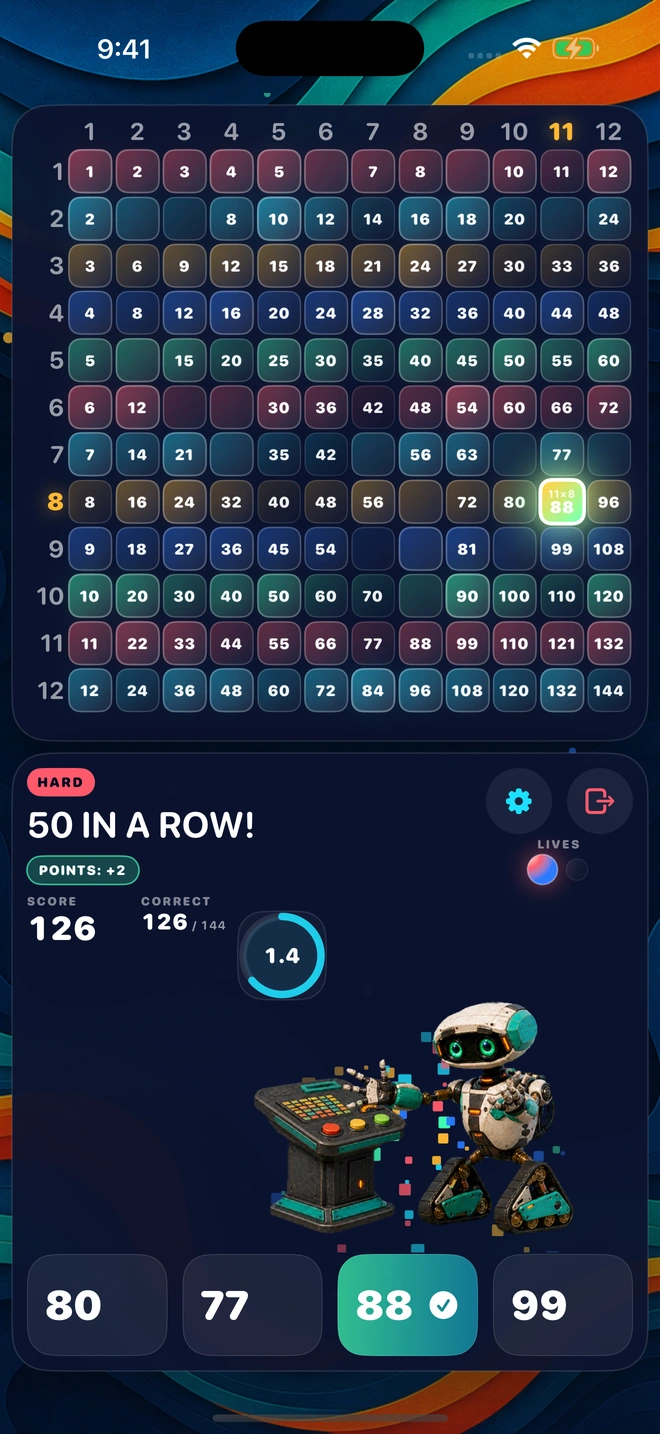
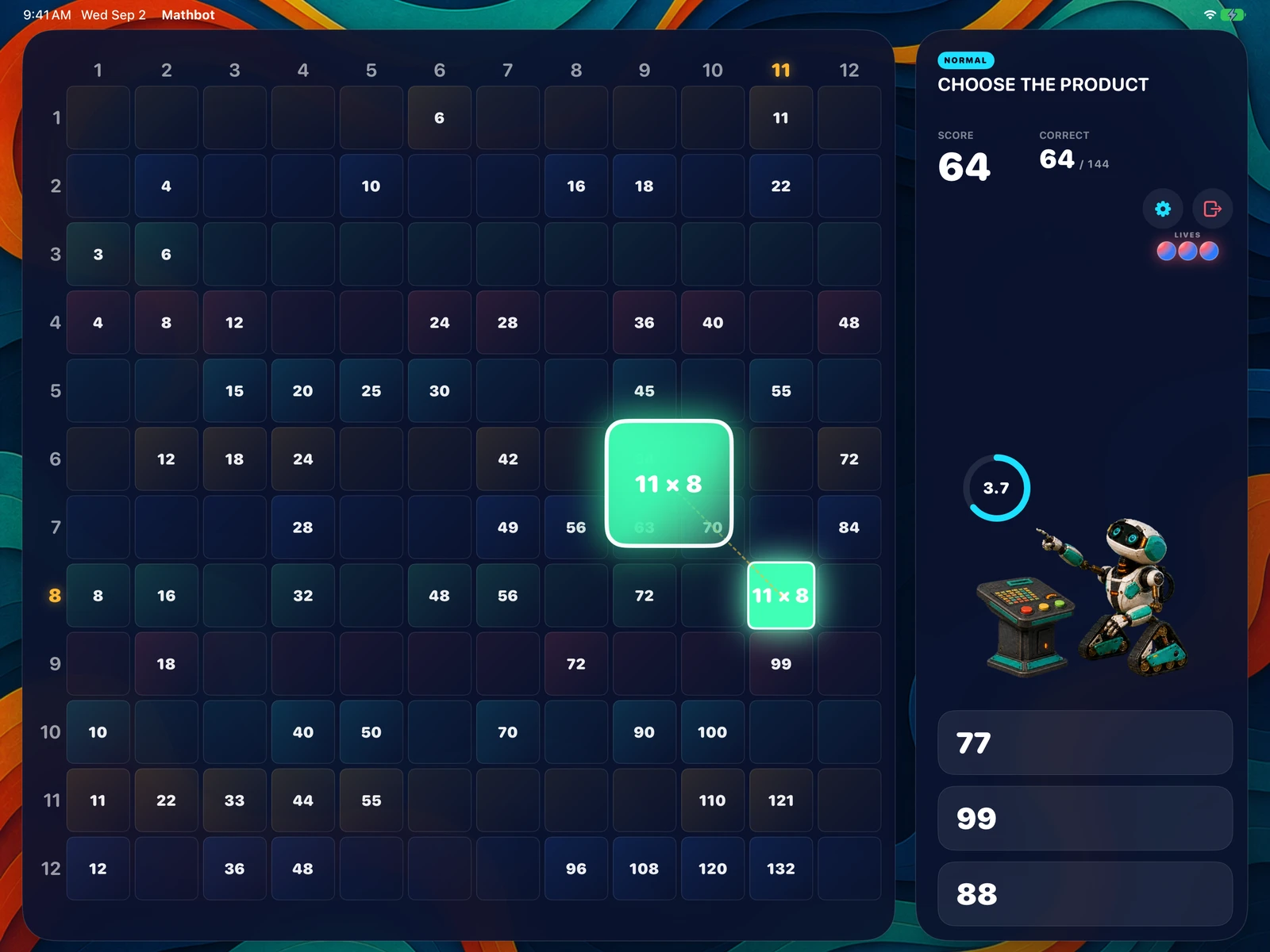
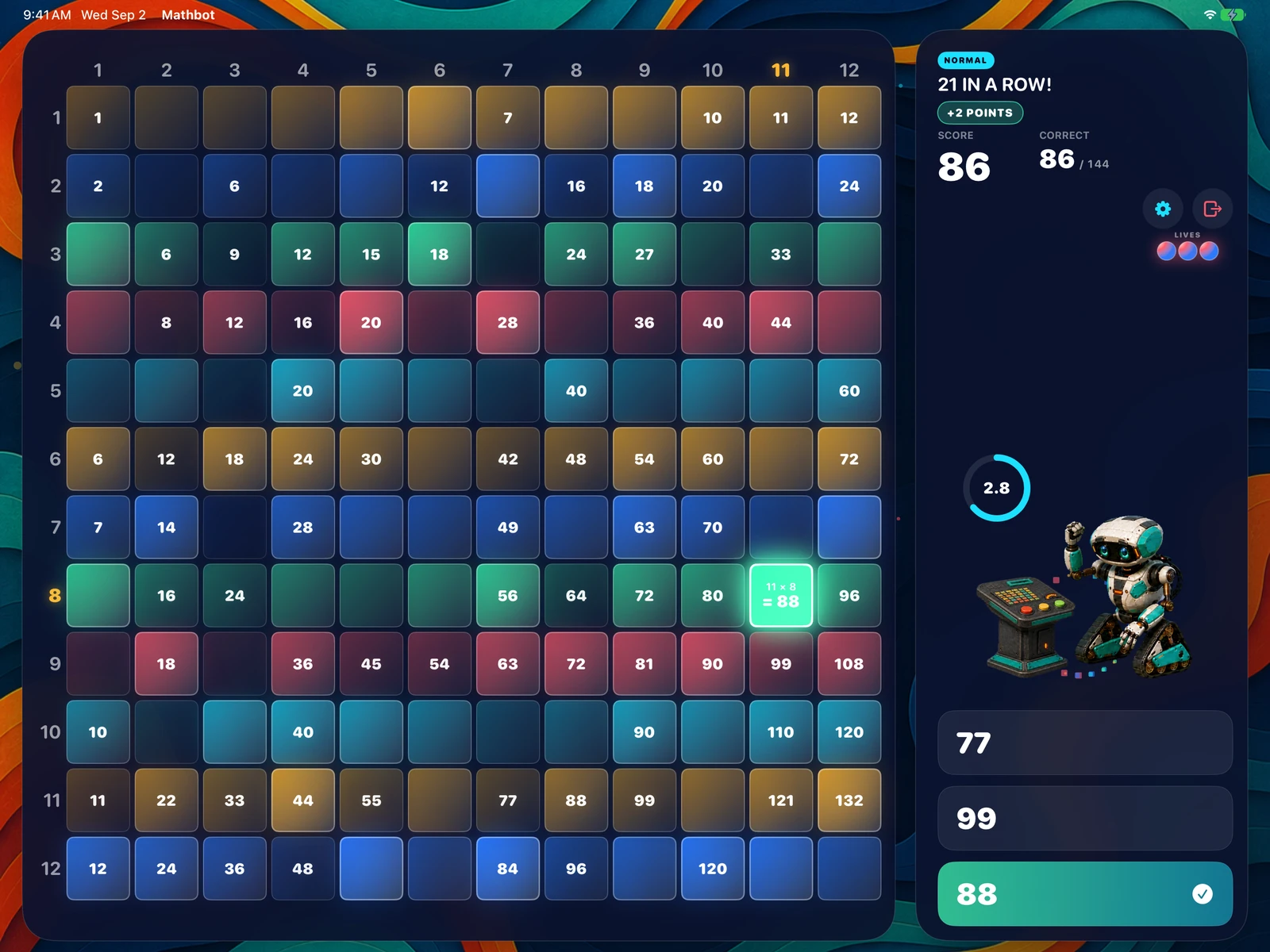
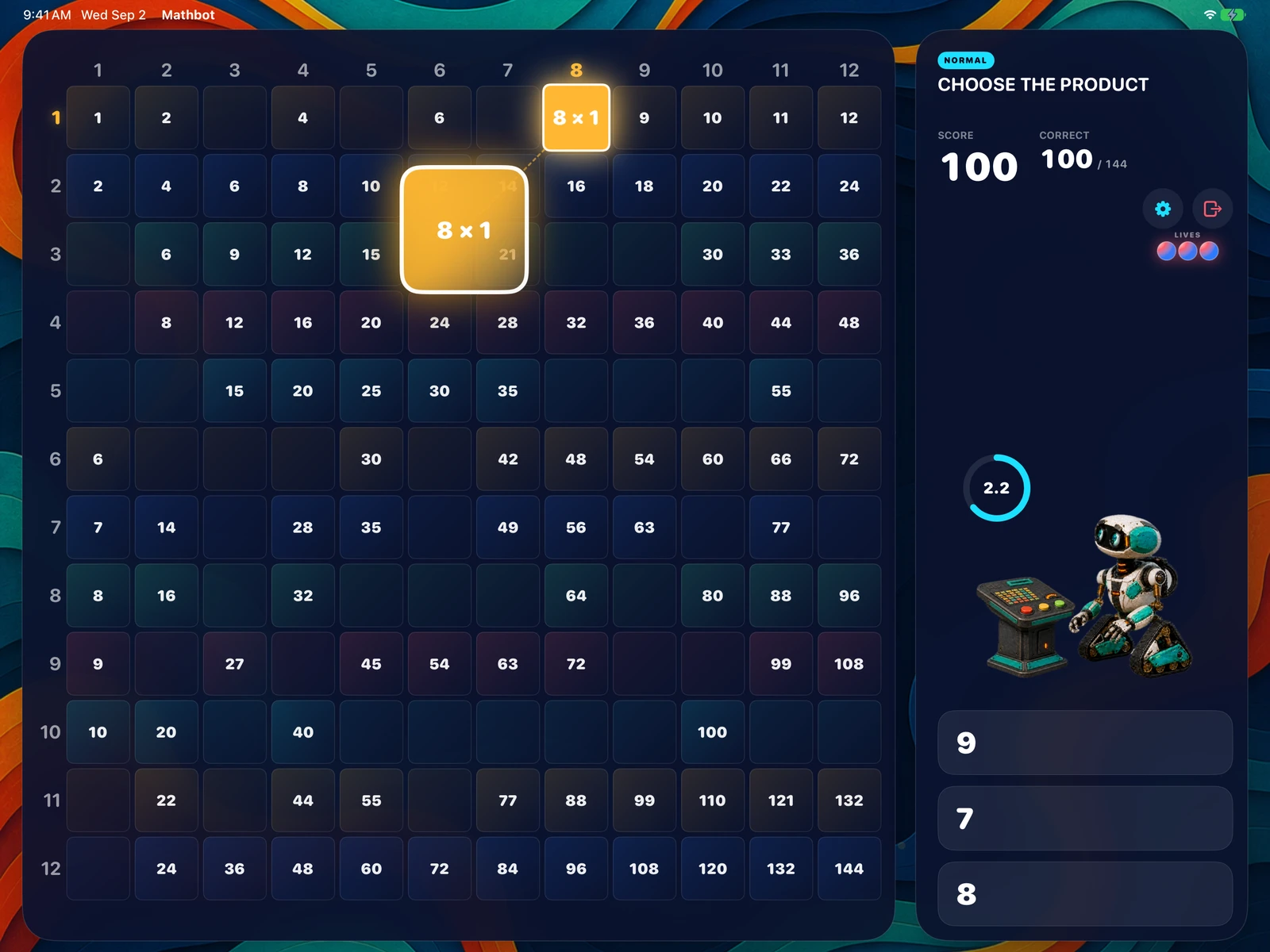
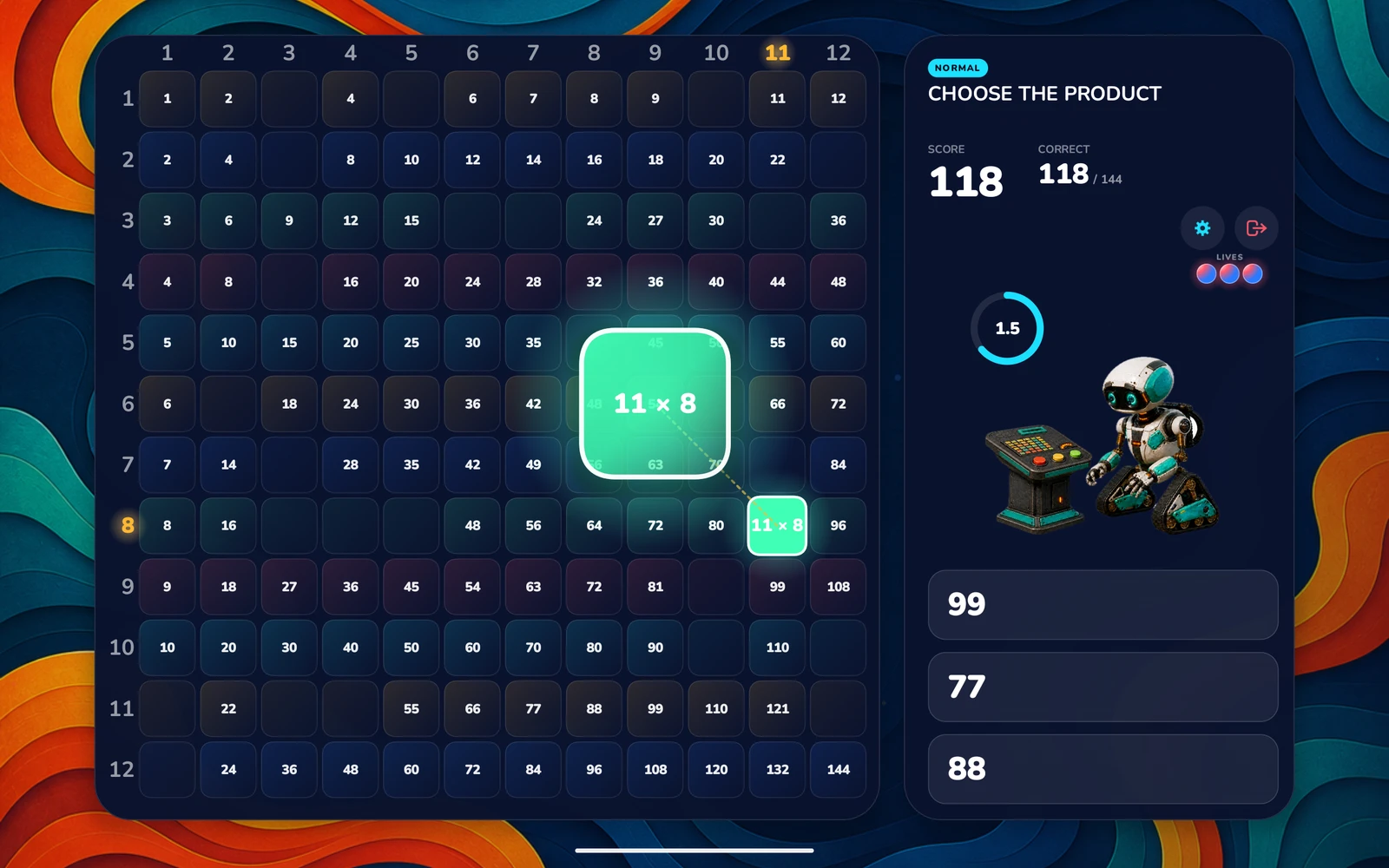
There is nothing to set up and nothing to read first. Mathbot picks a fact, your student taps the product, and the square lights up in its place on the grid.
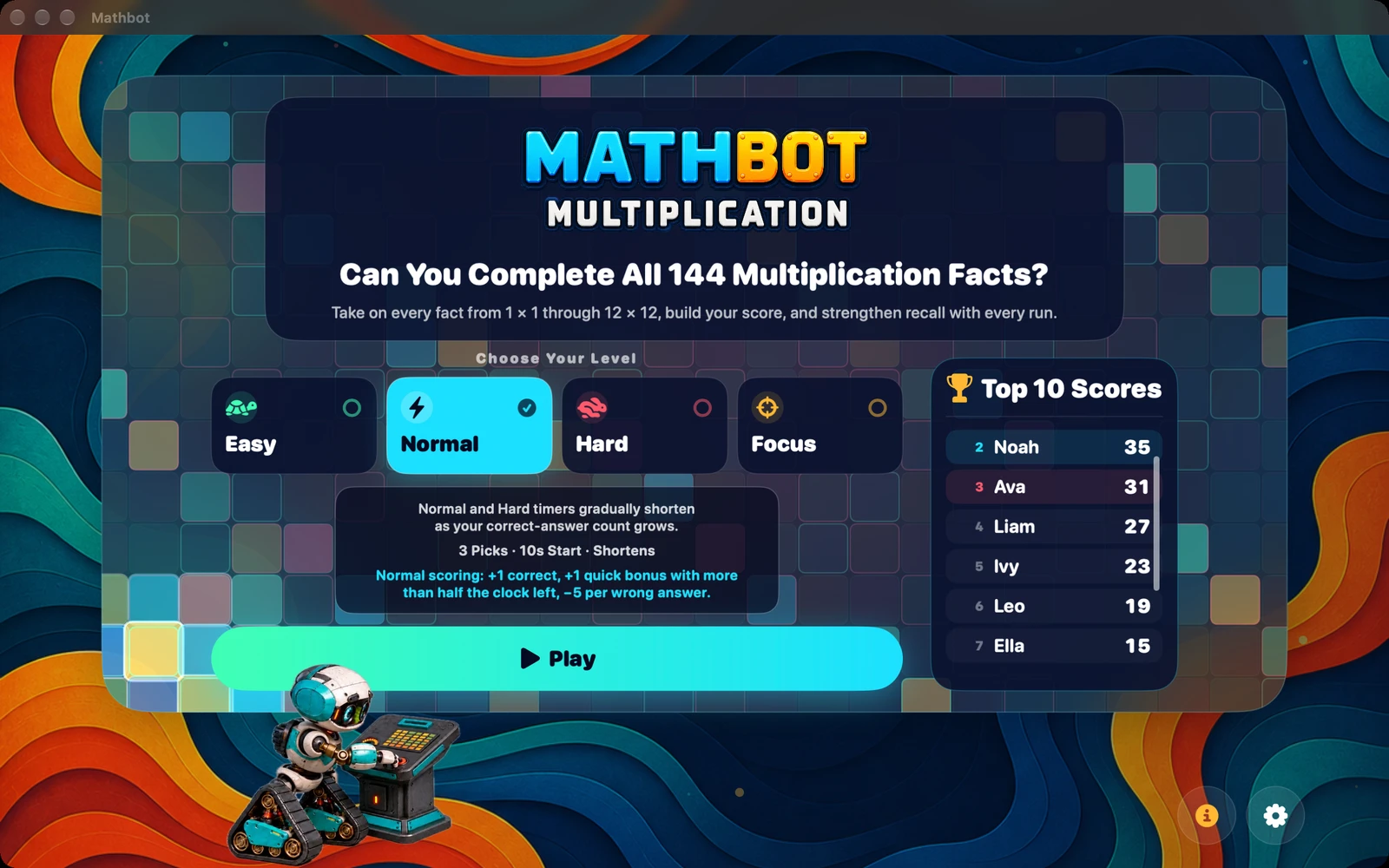
Easy · Normal · Hard · Focus
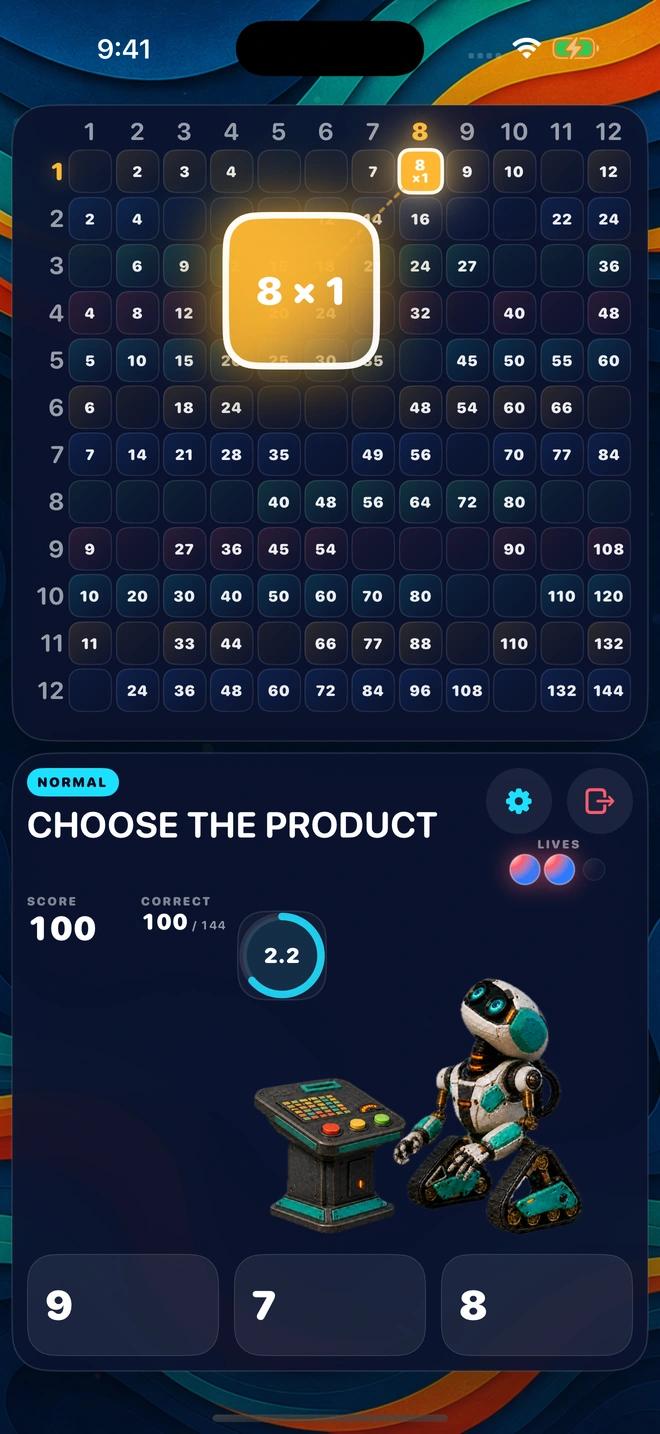
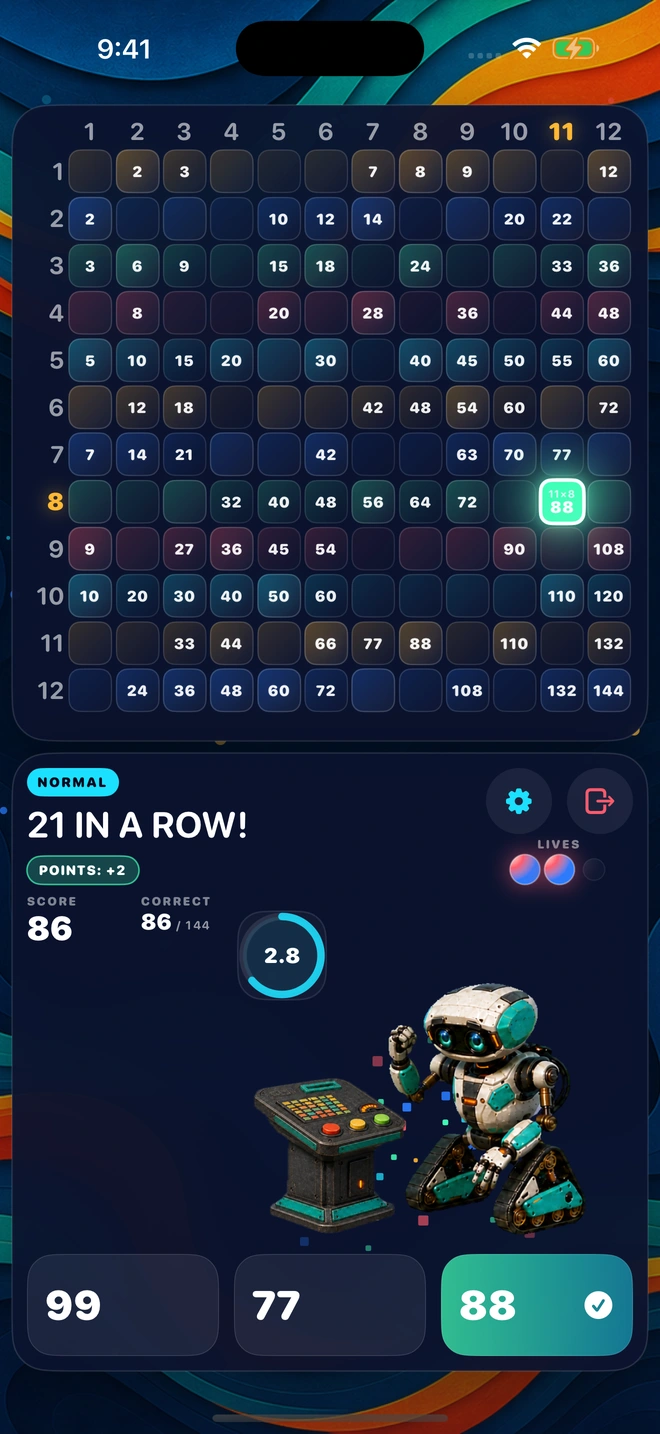
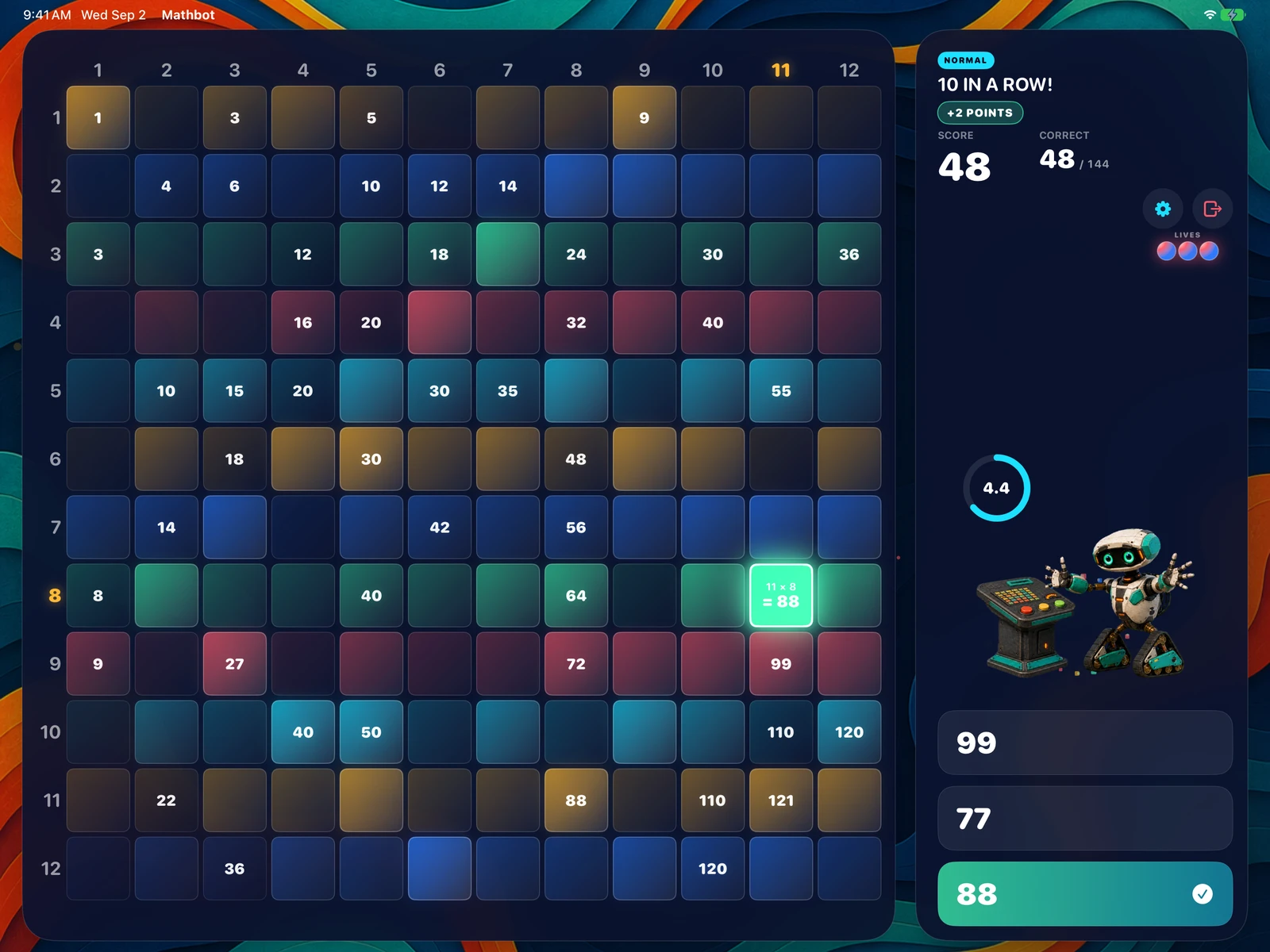
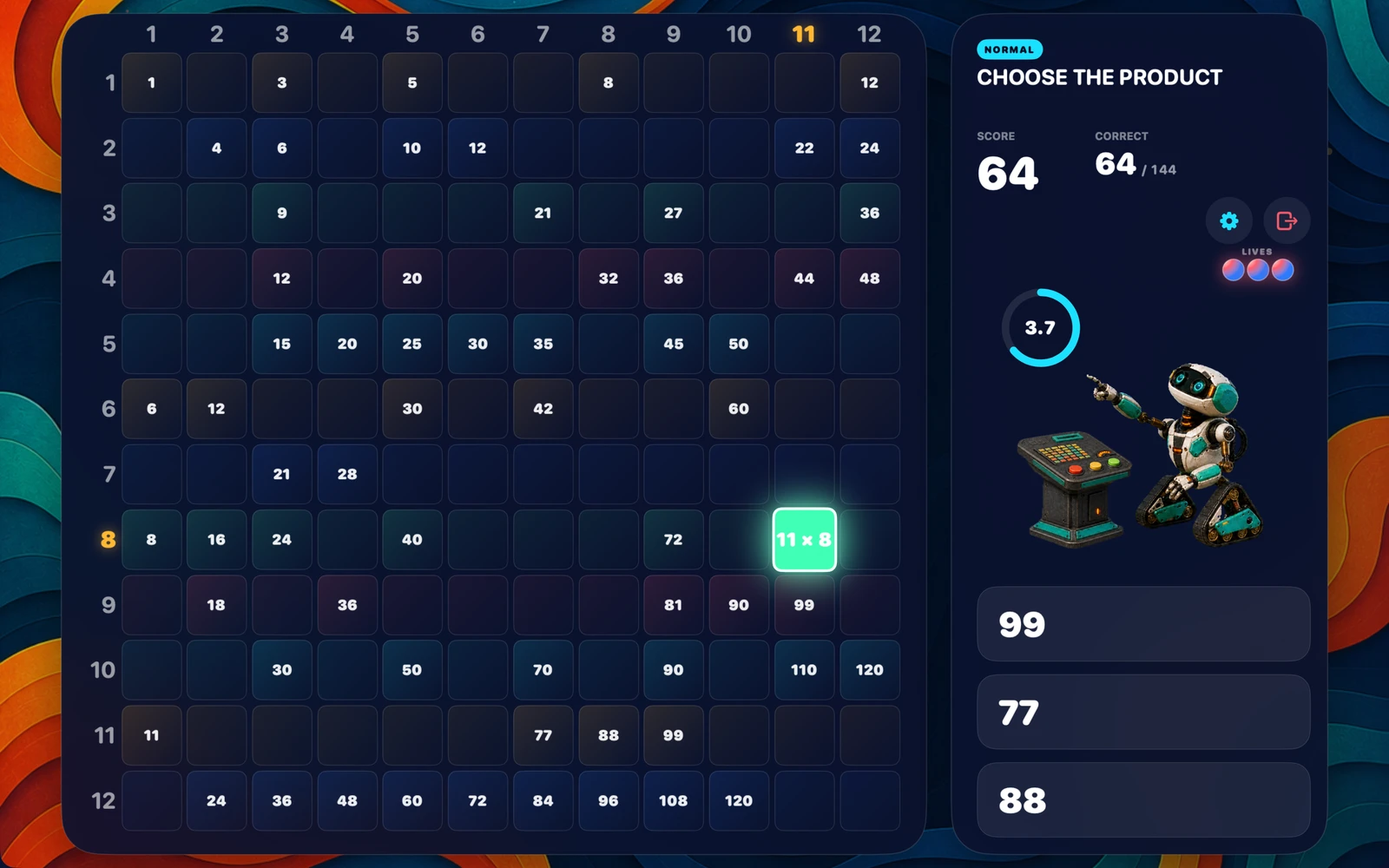
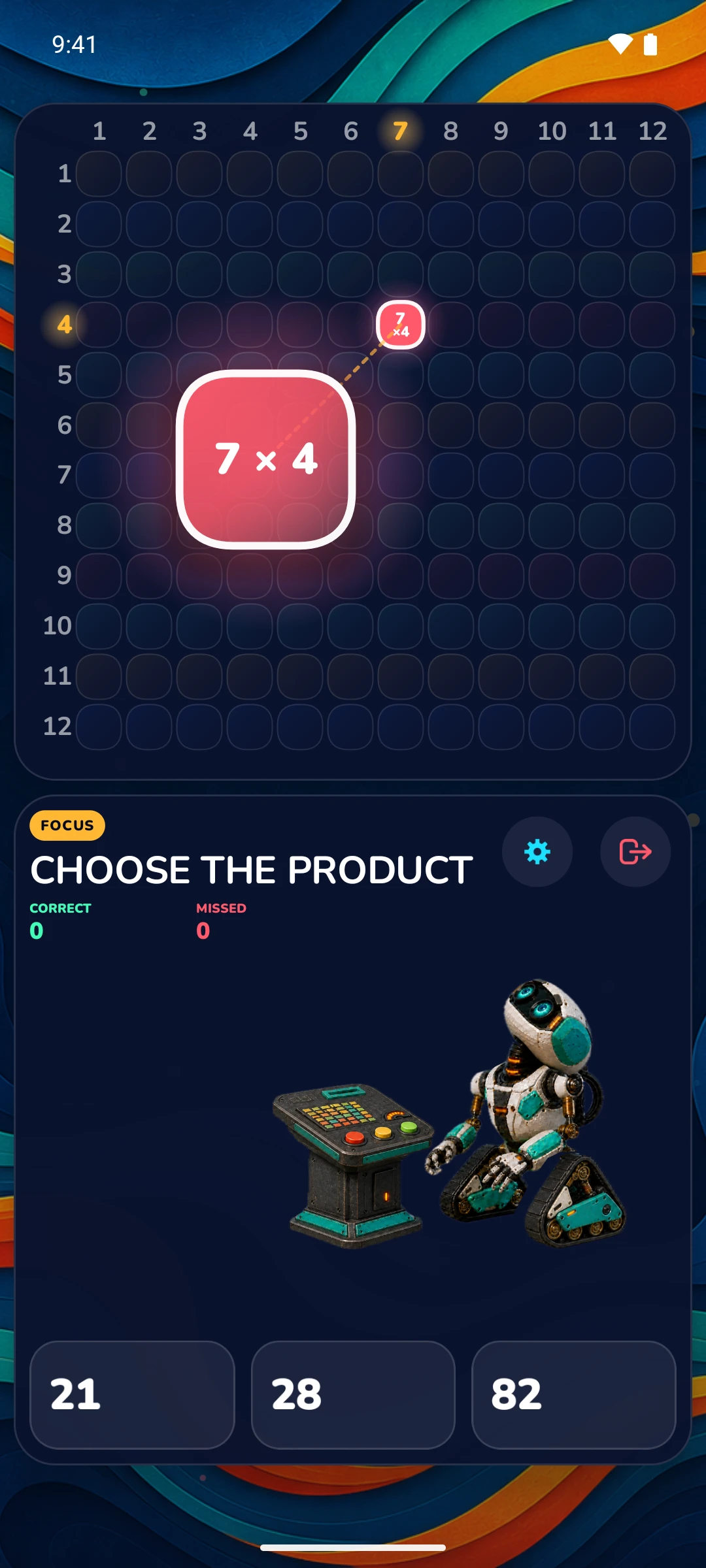
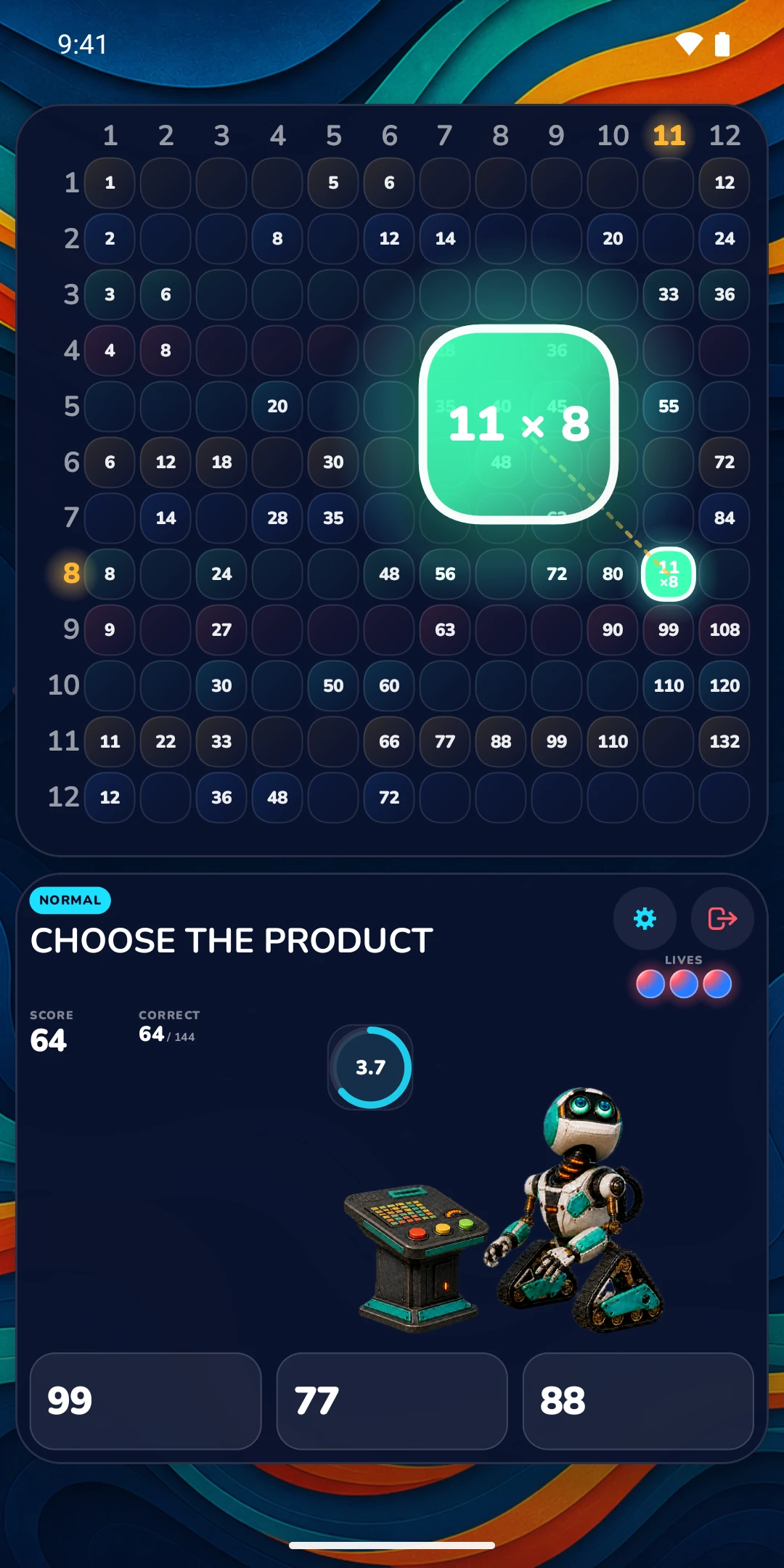
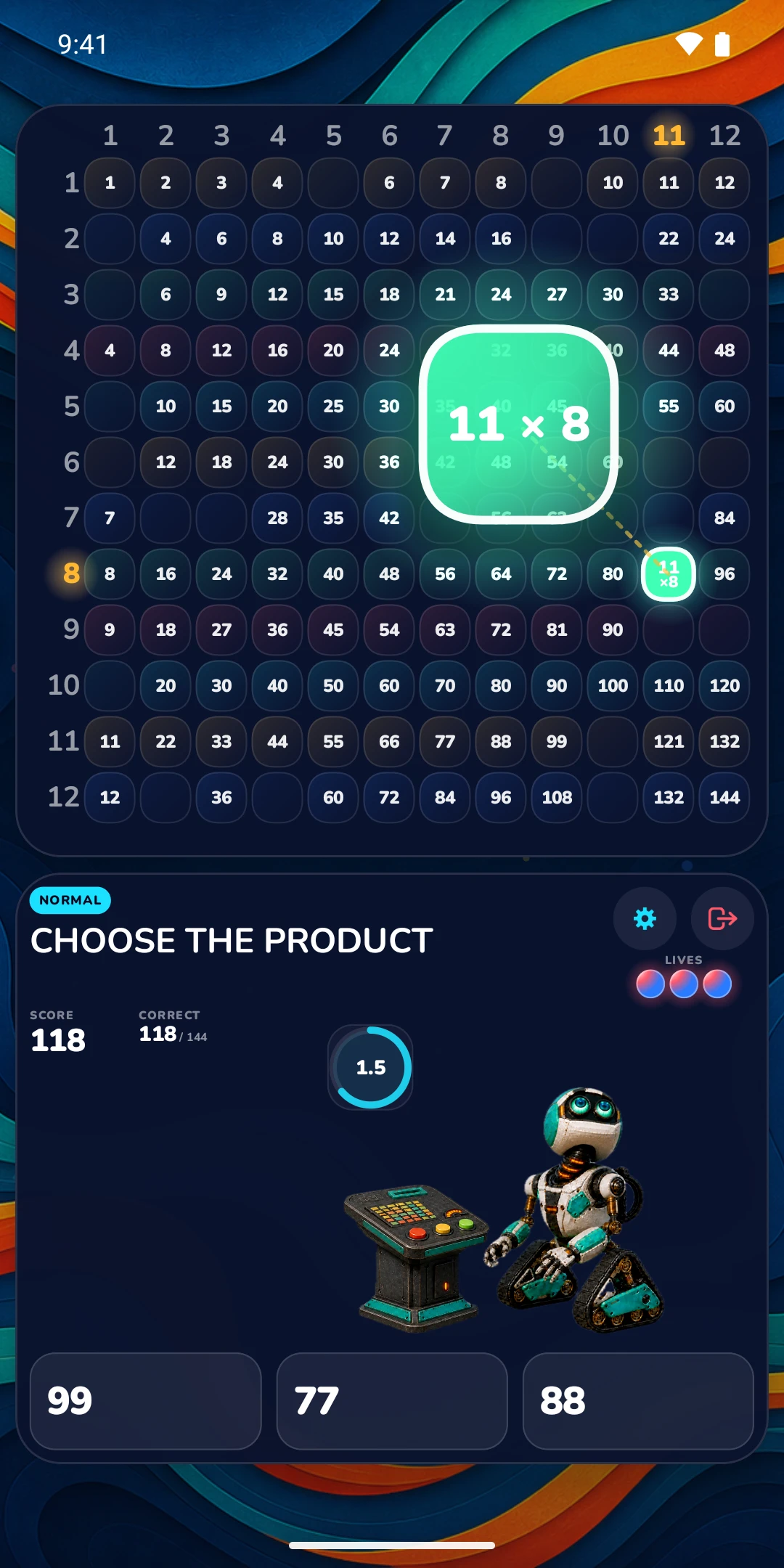
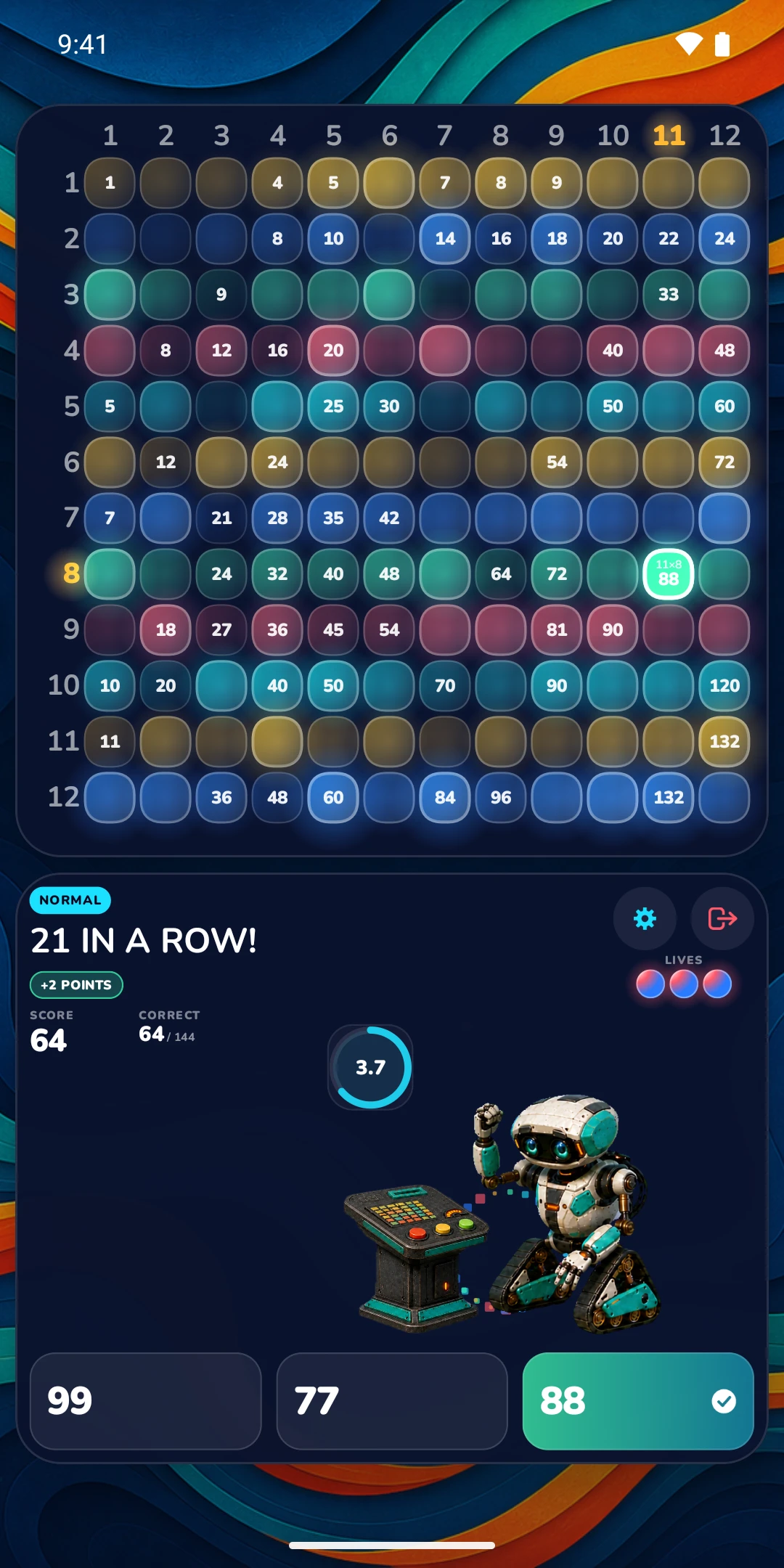
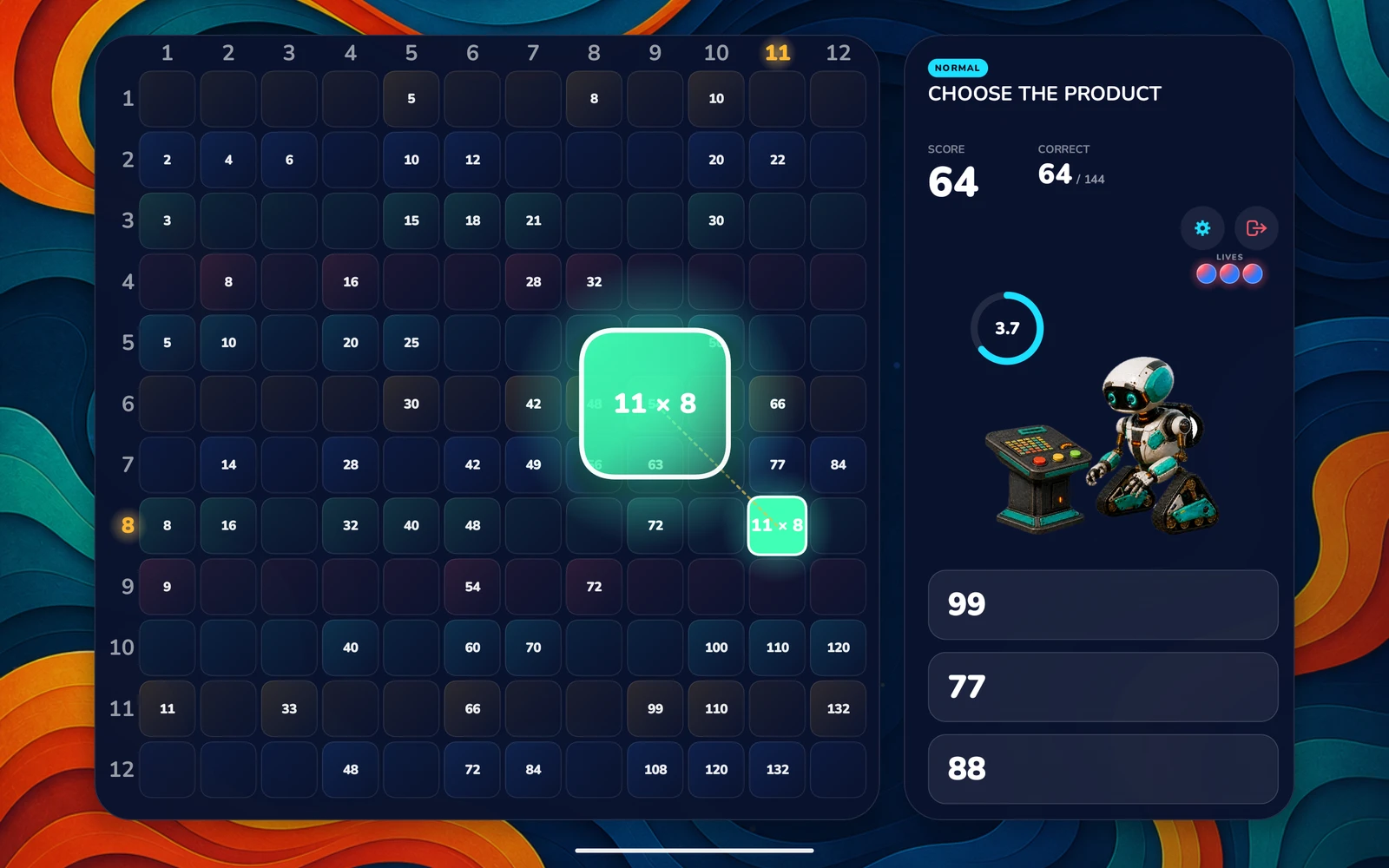
The fact lifts off its own square on the grid, so your student sees where 11 × 8 lives — not just what it equals.
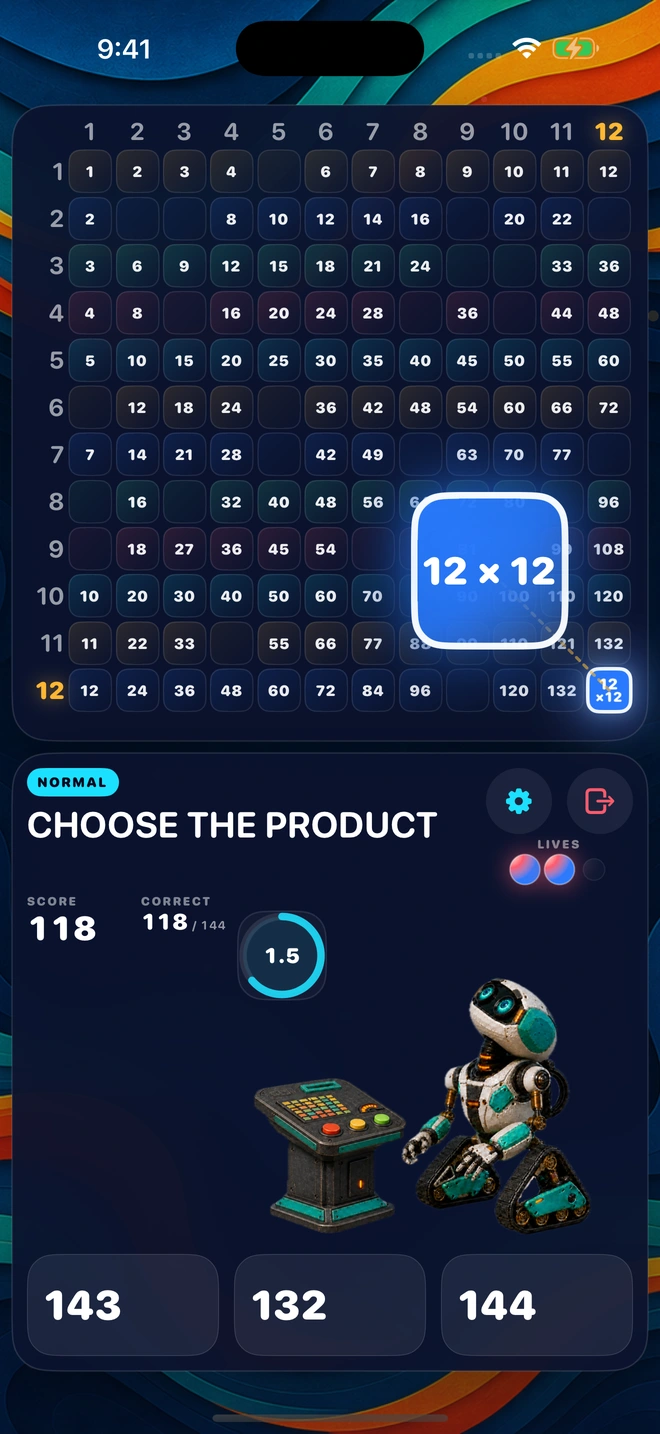
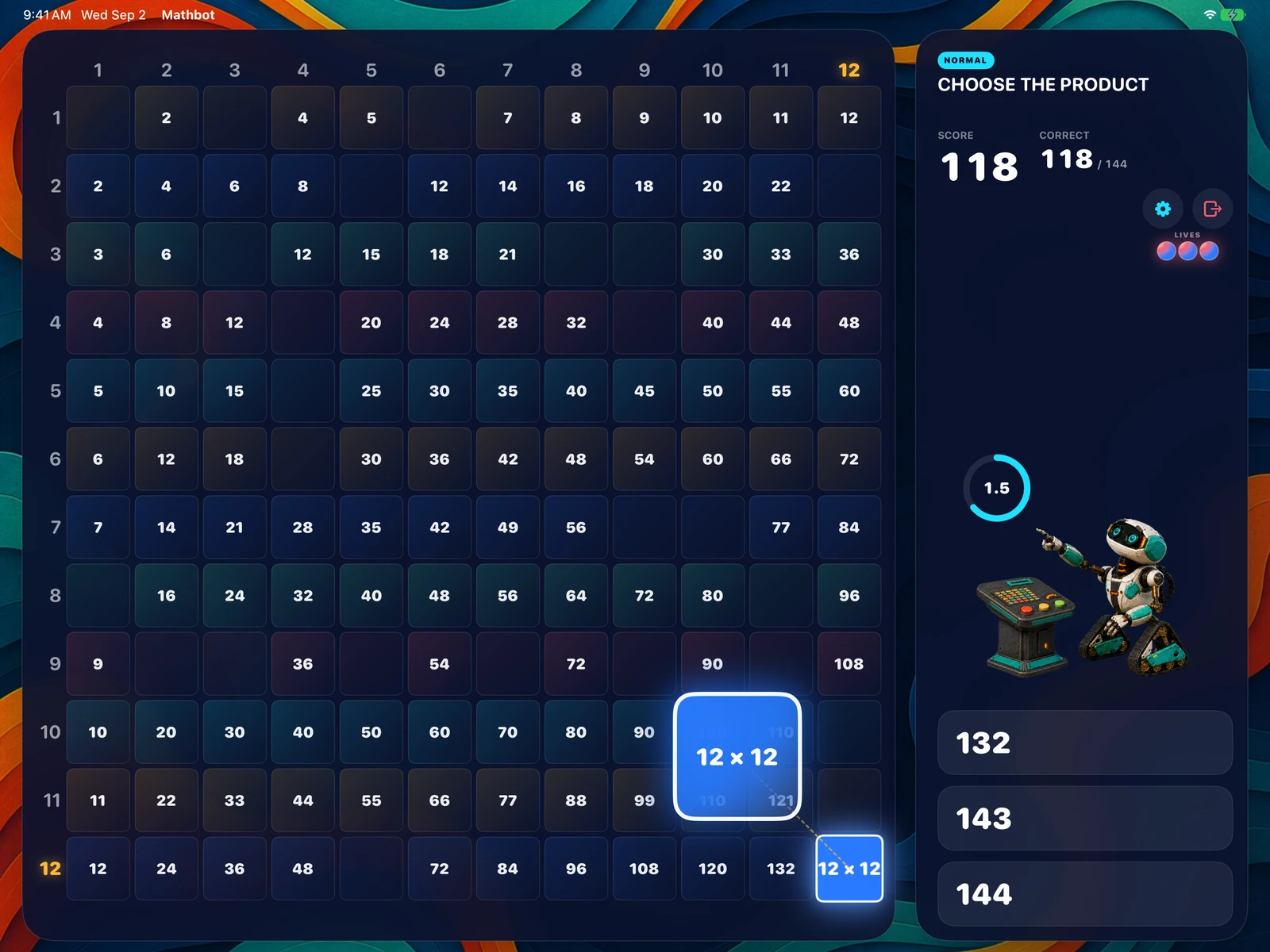
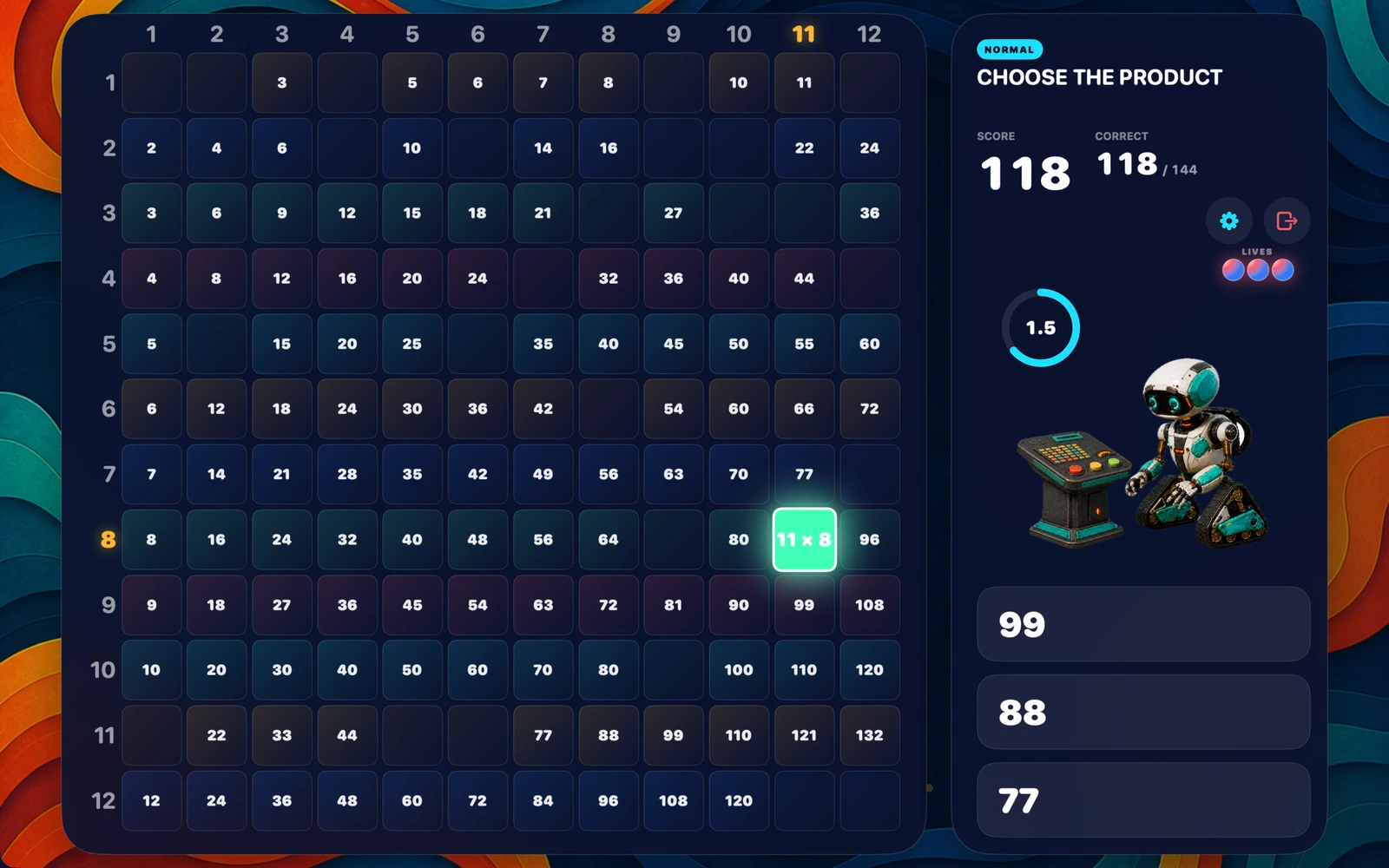
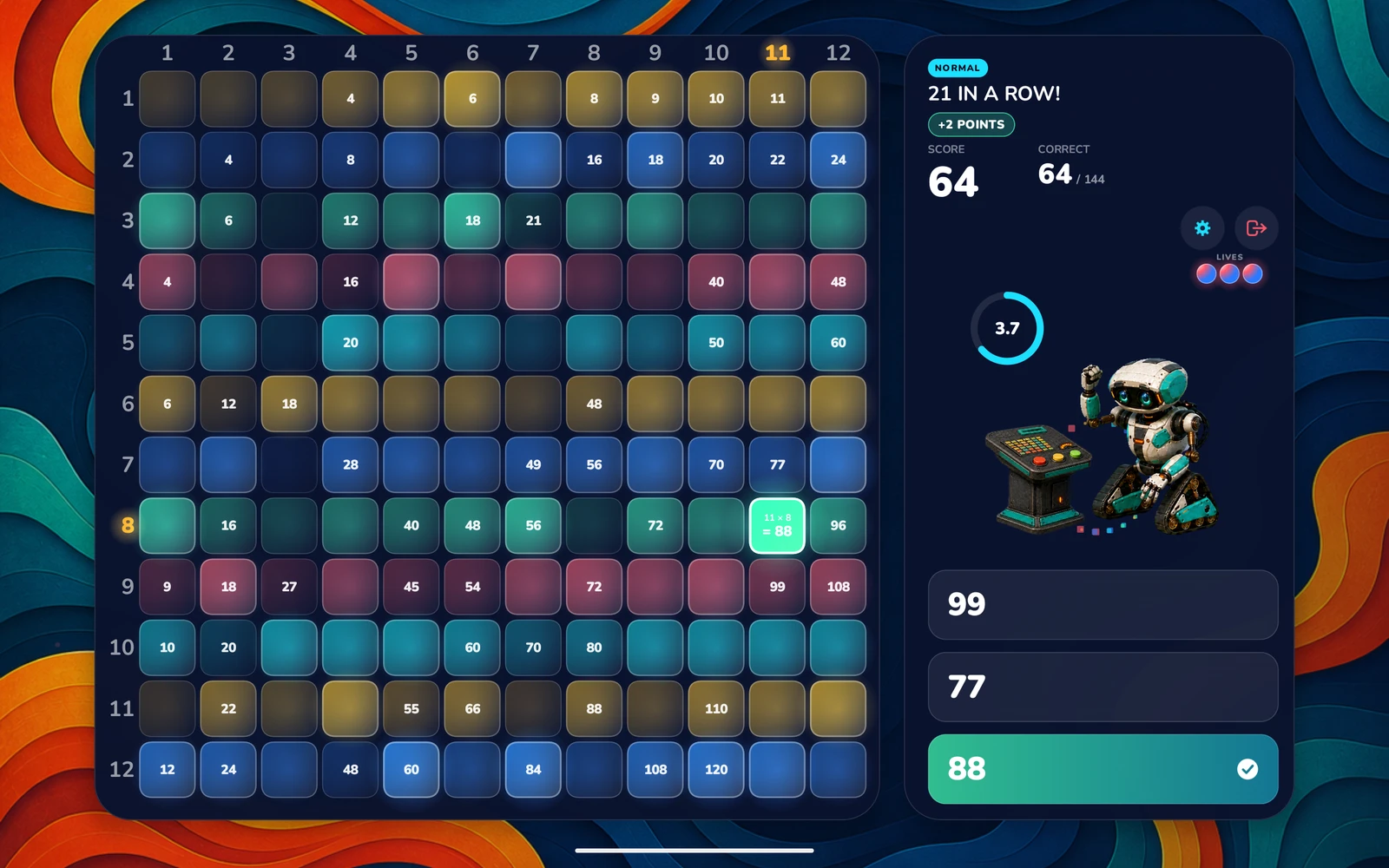
Every answered fact stays marked, so progress is visible at a glance and no fact repeats inside a run. Clear all 144 and the run is finished.
Why it sticks
Times tables are learned by retrieving them, not by re-reading them. Every rule in Mathbot exists to keep a learner retrieving — and to make a wrong answer feel like information rather than a punishment.
A fact answered wrongly or left to time out is remembered and prioritised near the start of a later run. The gaps get the practice, not the facts already known.
The board is the whole 12 × 12 table, and no fact repeats within a run. Learners can't coast on the twos and fives — the sevens and eights are right there on the grid.
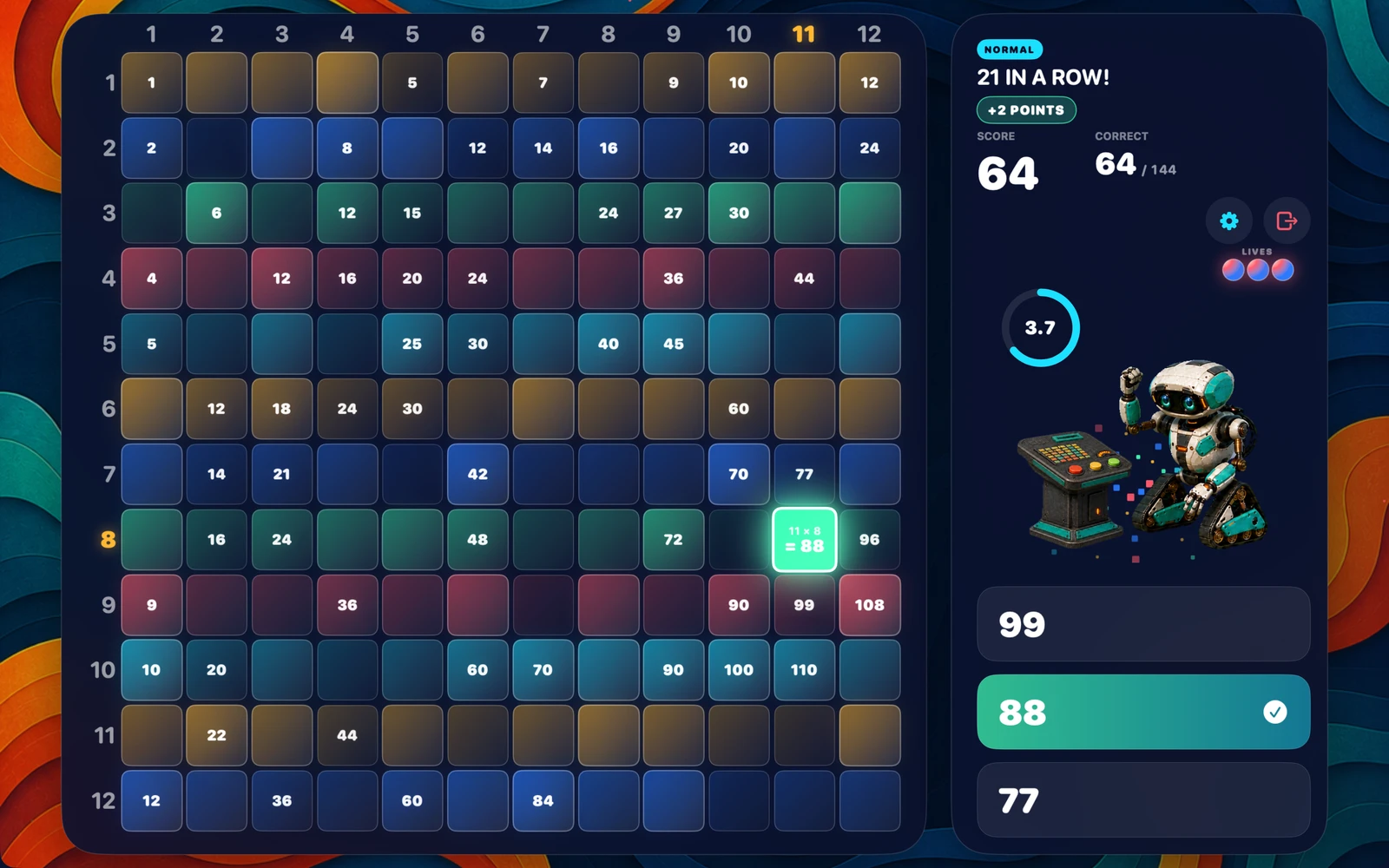
On timed levels, a correct answer with more than half the allotted time left earns two points instead of one. With gradual shortening enabled, the time limit decreases as the correct-answer count grows. You can turn shortening off in Settings.
Only a wrong answer subtracts points. A timeout costs a life but no score, and a score can never drop below zero. A run can never turn into a score they cannot recover.
A run has an end: 144 facts. Sessions stay short and complete instead of scrolling on forever, which makes "one more go" a reasonable thing to say yes to.
Each level keeps its own Top 10 with a name or nickname, stored on that device alone. No global leaderboard, no strangers, nothing to compare against but last week's run.
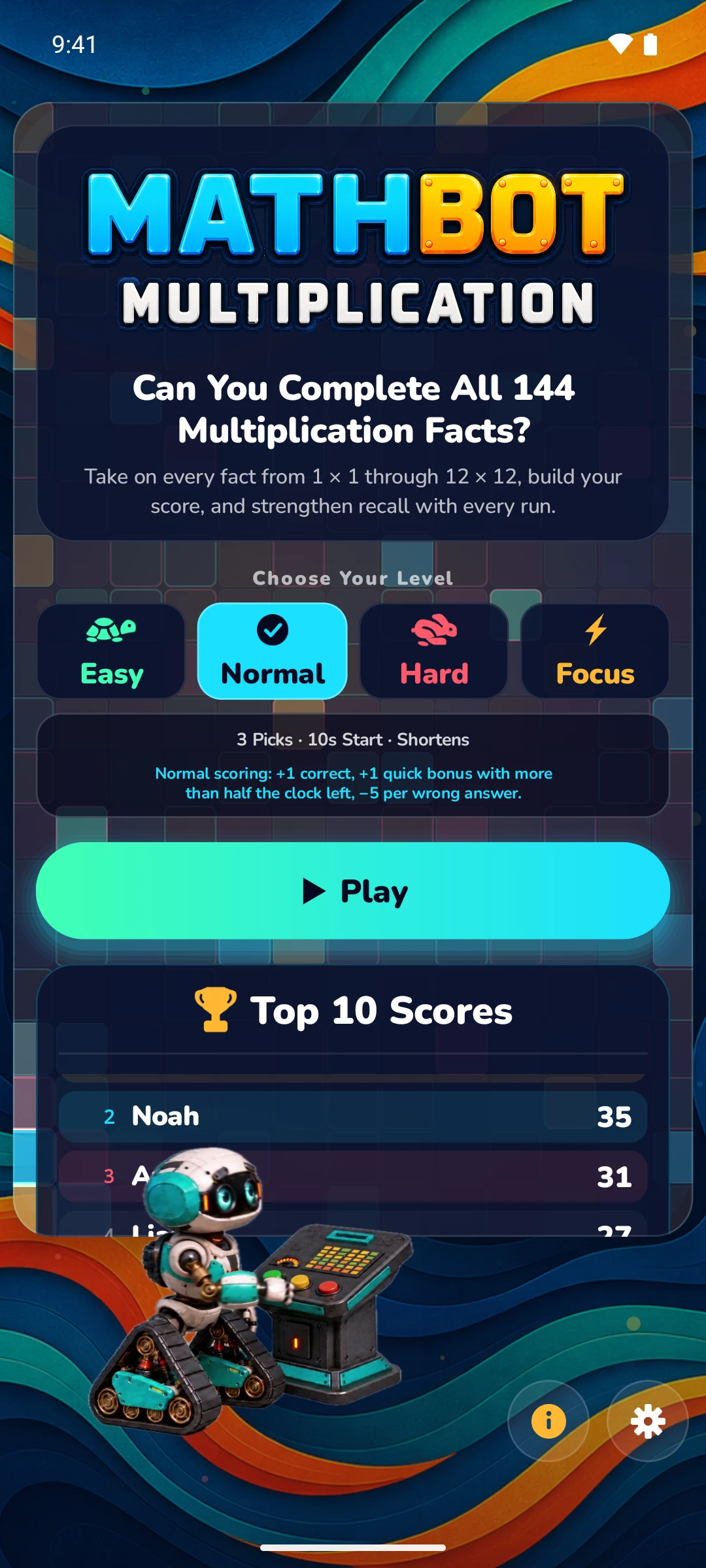
Choose Your Level
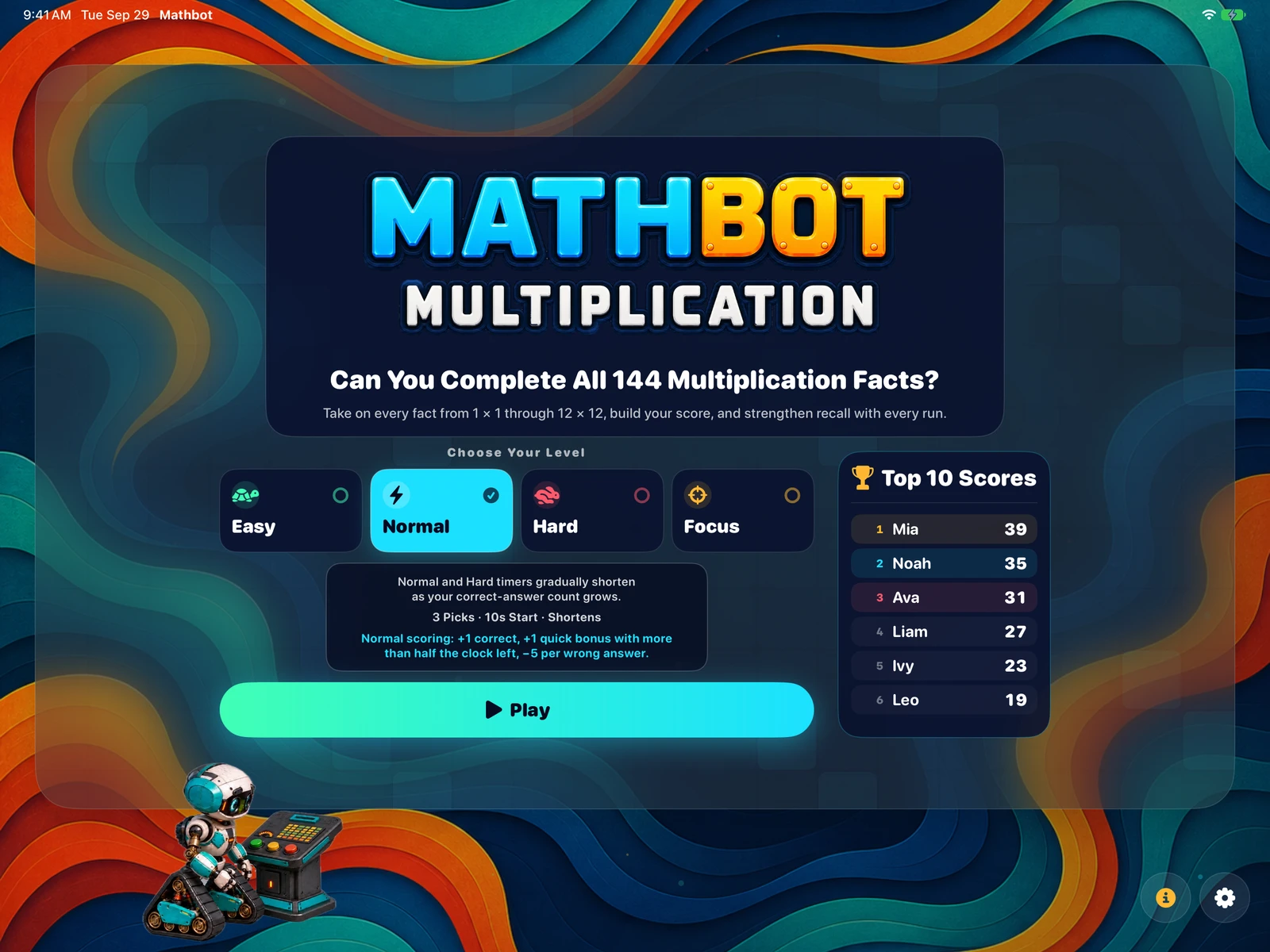
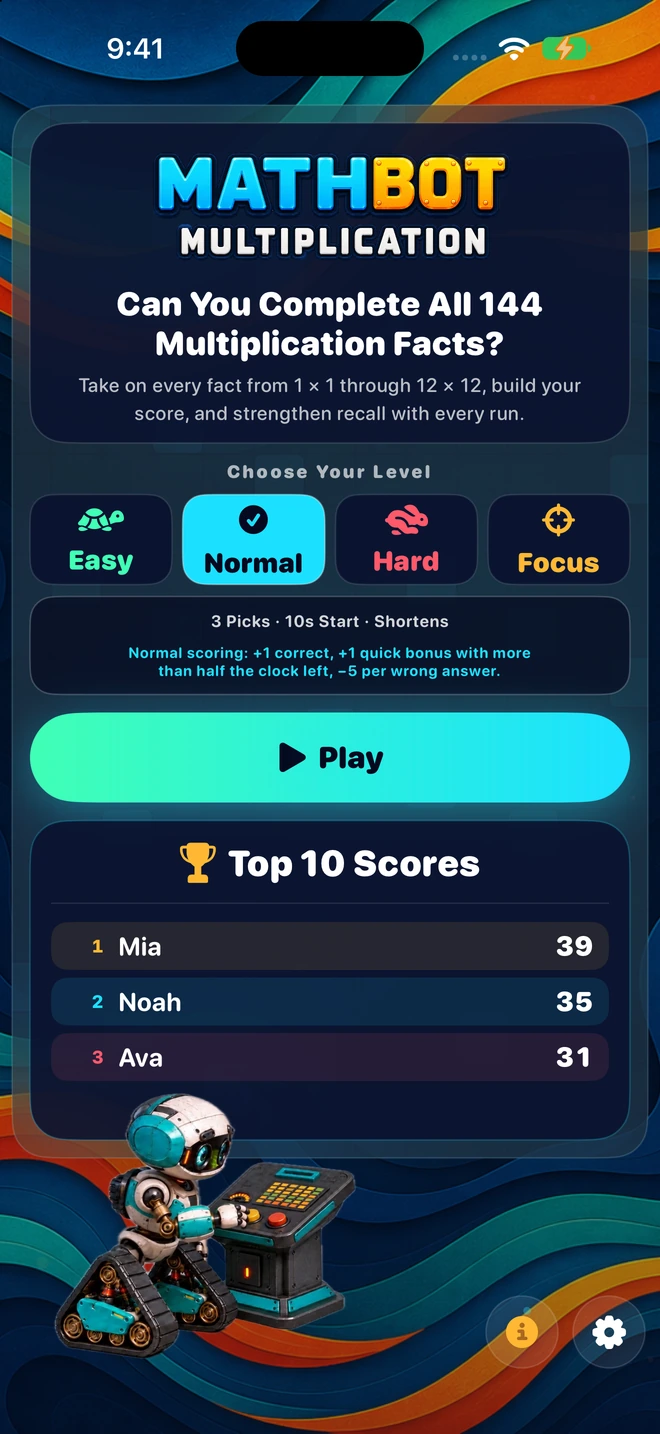
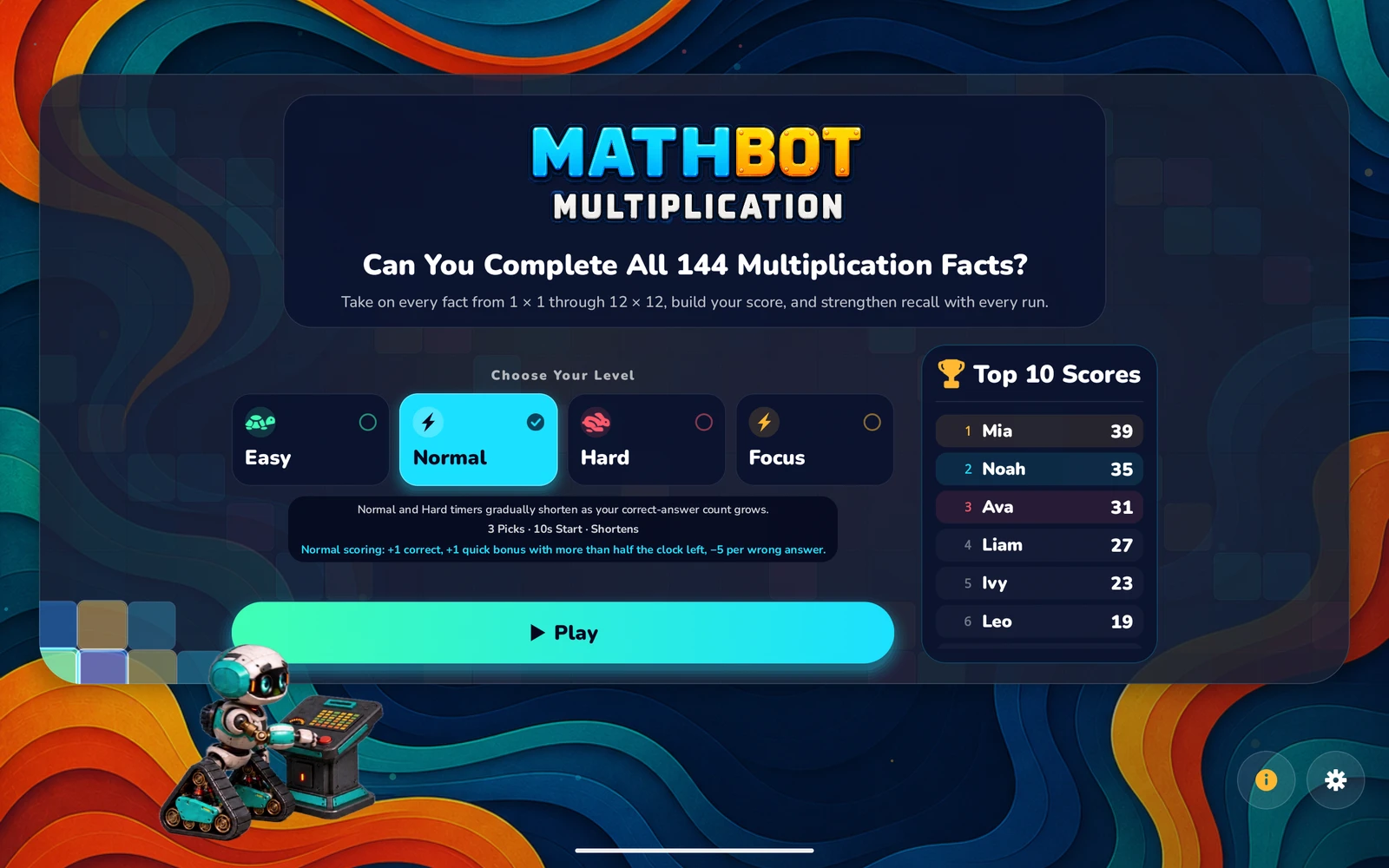
Easy exists so a student who is still counting on their fingers can play the same game as one who is racing. The level is picked on the home screen and can change every run.
You can record response times in Easy to see improvement without a countdown. Turn this option on or off in Settings.
The default. Enough clock to think, short enough that guessing doesn't pay.
Four choices and five seconds. This is where a student who knows the tables finds out how well.
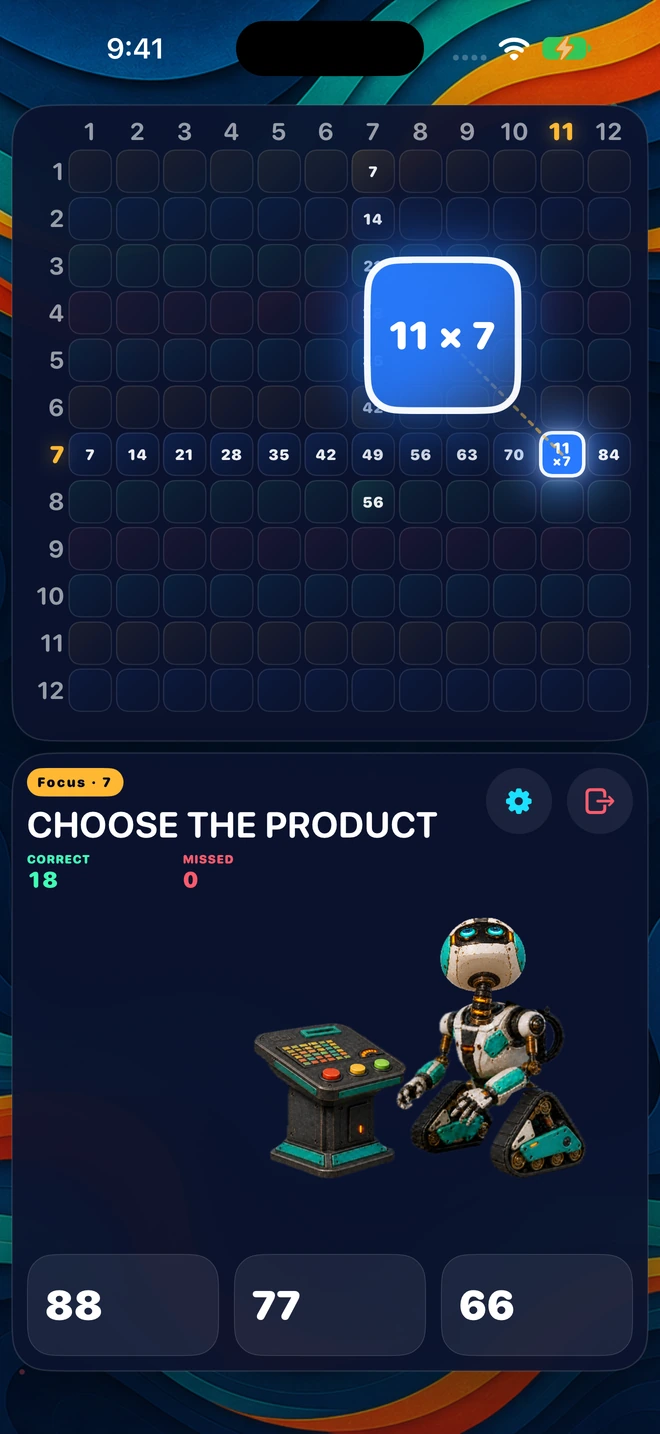
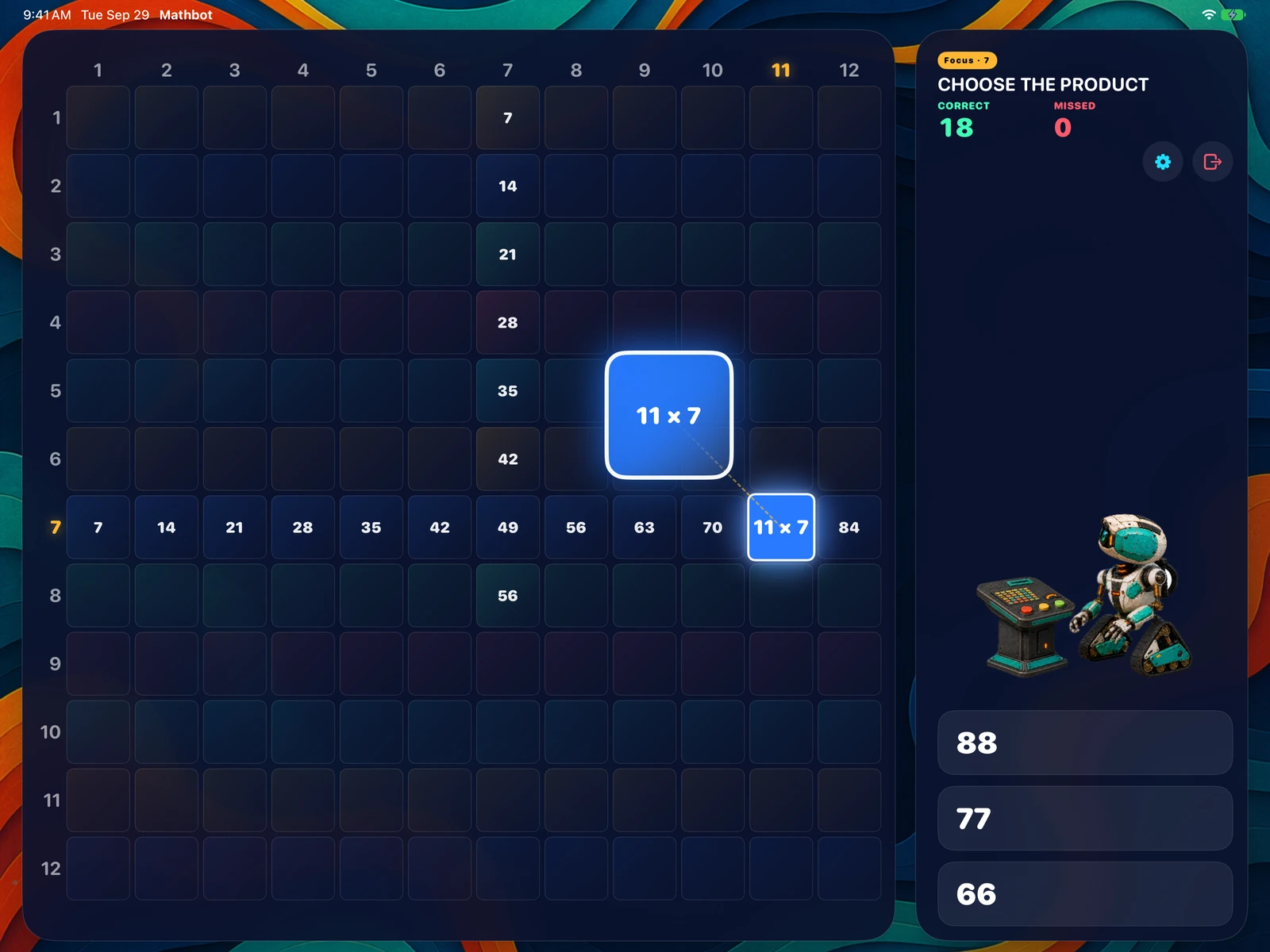
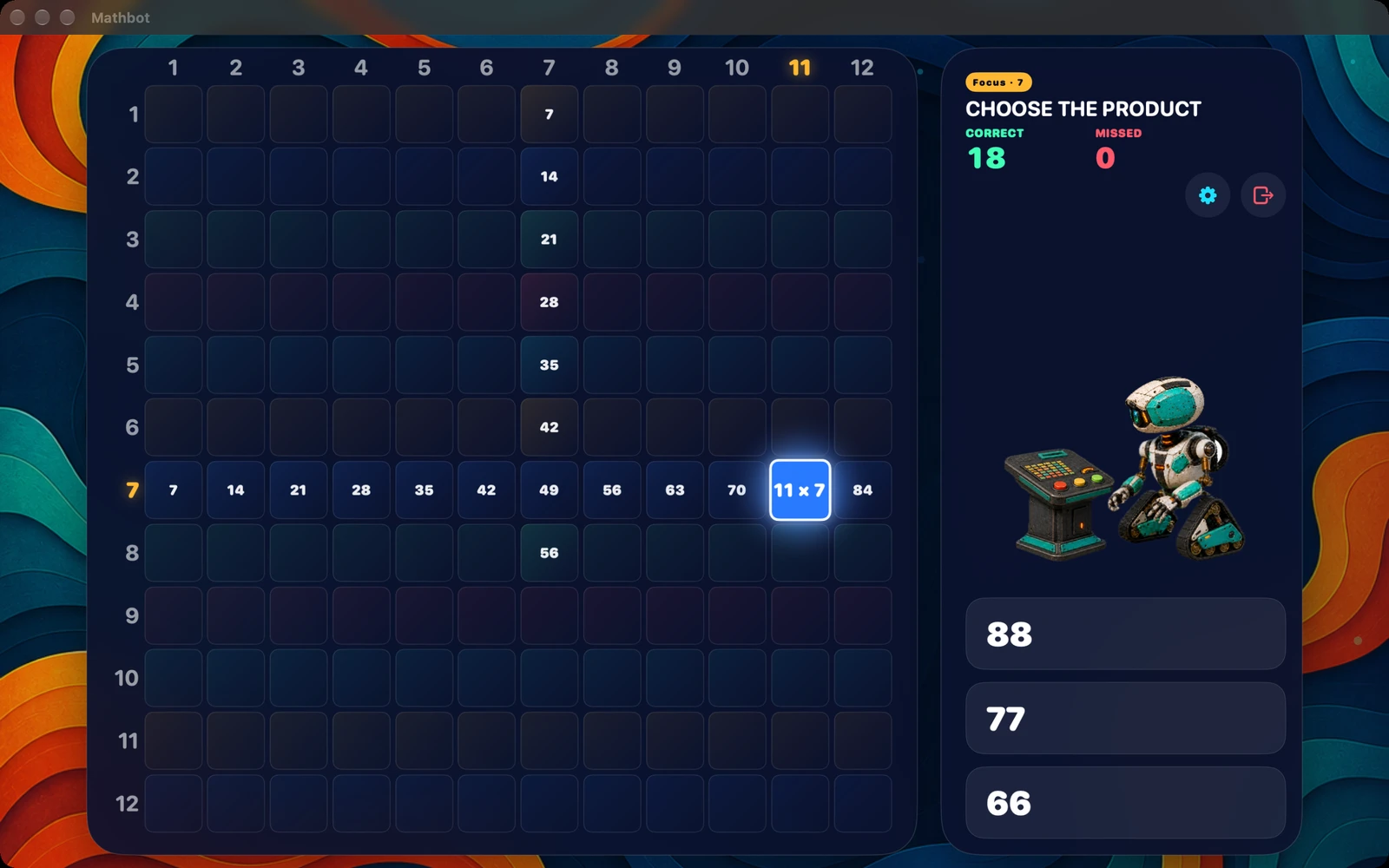
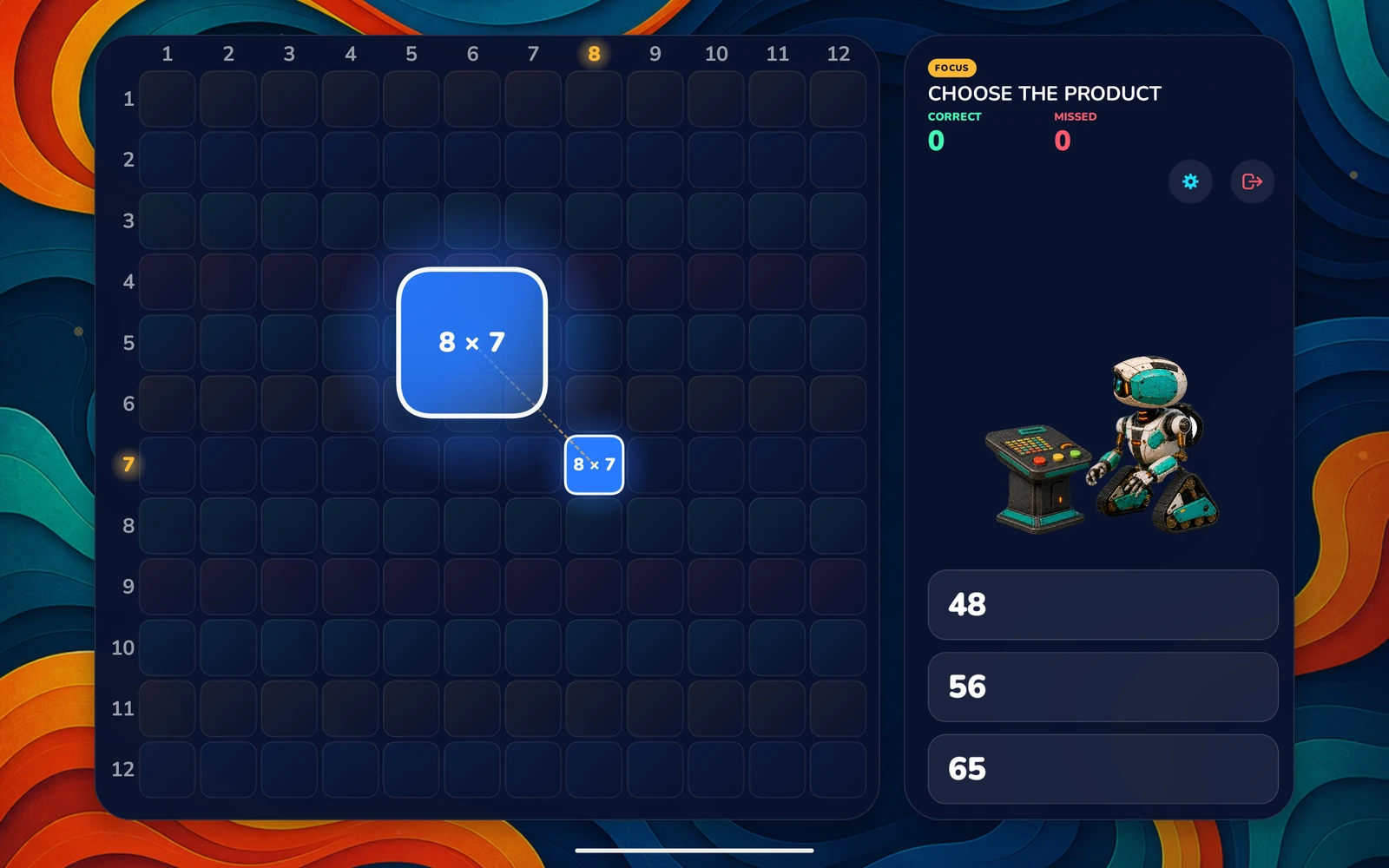
Pick a number from 1–12. Practice its row and column in 23 focused questions.
High Scores are not part of focused practice.
Meet Buddy
Buddy runs the board alongside your learner. He powers it up, picks the next fact, and quietly remembers the ones that got missed so they come back around next game — cheering your learner on at every step along the way.
The goal isn't a perfect score on day one — it's a learner who enjoys the practice enough to keep coming back. Do that often enough and a clean run through all 144 stops being the target and simply becomes what they can do.

A closer look
Pick a level, answer the fact that lifts off the board, watch the grid fill in. Anything missed is resurfaced at the start of the next game, and every game after that, until the whole table is second nature.
Privacy
Mathbot has no accounts, no analytics, no advertising and no network access. Scores and missed facts are written to the device's own settings store and stay there. The App Store privacy label reads Data Not Collected.
Questions parents ask
Any student working on their times tables — typically around ages 7 to 11 — plus anyone older who wants their recall to be faster. The App Store age rating is 4+, and Easy has no countdown, so a younger learner can play without being rushed.
No. iPhone, iPad and Mac are a single universal purchase on the App Store — buy it once and it installs on all of them, and on every device in your Family Sharing group. Android is its own store, so it’s one separate purchase on Google Play — that covers both Android phones and Android tablets on your Google account, and anyone in your Google Play family group.
None of the three. Mathbot is one payment, once. There is nothing inside the app that asks a student to spend money, and nothing that takes them out to a website or a store.
Easy has no countdown at all. On Normal and Hard the clock shortens as the run goes on, and that behaviour can be switched off in Settings so every question keeps its full starting time.
Sound effects start switched off. You can enable them for buttons, answers, lives and celebrations. Vibration has a separate switch, so you can use sound, vibration, both or neither.
There is no parent dashboard and no data collection. The Game Over screen shows the score and best score. When response-time tracking is enabled, it also shows total and average response times. Each level has its own local Top 10, stored on the device.
Yes — the Top 10 tables use a name or nickname, so siblings share a device and still see their own runs. There are no separate logins to manage.

Coming soon to the App Store. One purchase will cover iPhone, iPad and Mac — no ads, no subscription, nothing collected.
Free printable worksheet
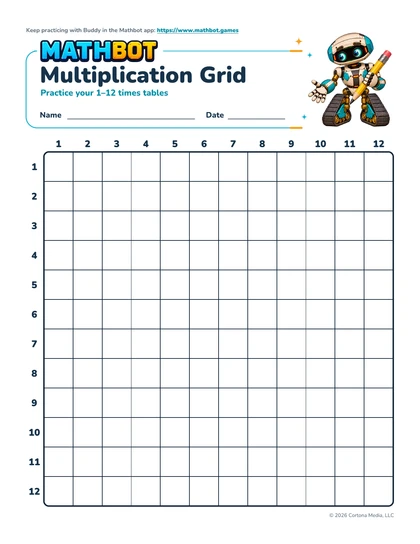
A blank 12×12 grid for practice at home or in the classroom. Print in color or black and white.
Download free worksheet (PDF)924 KB · 1 page · US Letter · English · No sign-up
Worksheet details and printing tips →